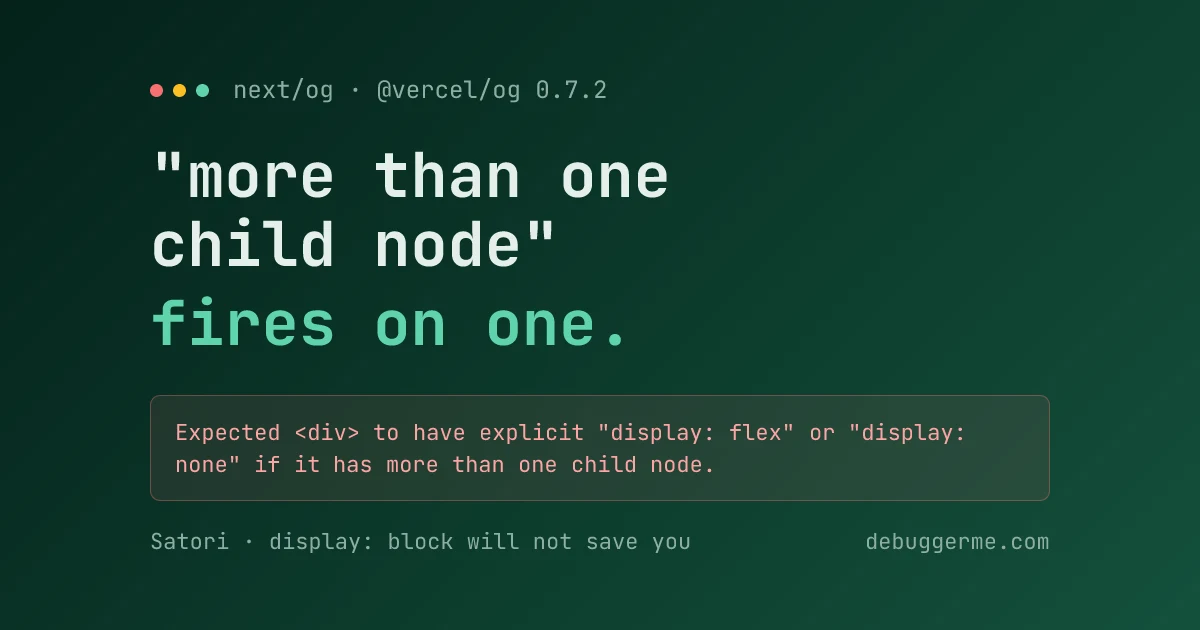
Satori, the renderer behind next/og, needs display: flex on any <div> that contains an element child. Not two children. One is enough to break the build:
Expected <div> to have explicit "display: flex" or "display: none"
if it has more than one child node.
The message is wrong about its own trigger. Put display: 'flex' on every div that wraps another element, including the leaf ones you would never style in a browser, and it passes.
That is the whole fix. The rest of this post is the four cases where the message sends you looking in the wrong place, measured on Next.js 16.0.10 with the bundled @vercel/og 0.7.2, Node 26.5.0, on an M-series Mac.
Why does a single child trigger a "more than one child node" error?
Because the check has nothing to do with the child count. I ran every combination through ImageResponse directly and captured the result:
| Children of the unstyled div | Result |
|---|---|
One string: 'hello world' | Renders |
One template literal: `count: ${n}` | Renders |
One element: <div style={{display:'flex'}}>a</div> | Throws |
One <span> | Throws |
Two strings: 'Hello ', 'World' | Throws |
| A string and an element | Throws |
So the real rule is narrower than the message: a div may skip display only when its entire content is one string. The moment a child is an element, or the moment there are two of anything, the div has to declare display: 'flex' or display: 'none'.
That is why the cards in this repo carry display: 'flex' on divs that hold nothing but a line of text. They look redundant. They are not: they are one refactor away from wrapping something.
The single-element case is the one that costs time, because you read "more than one child node", count your one child, and go hunting for a stray whitespace node that does not exist.
Why does <div>Hello {name}</div> fail?
This is the same rule wearing a disguise, and it is the version that hits real code:
// Throws. JSX compiles this to two children: 'Hello ' and the value of name.
<div style={{ fontSize: 32 }}>Hello {name}</div>

// Renders. One child, because the interpolation happens before JSX sees it.
<div style={{ fontSize: 32 }}>{`Hello ${name}`}</div>

// Also renders, and survives edits better.
<div style={{ display: 'flex', fontSize: 32 }}>Hello {name}</div>
Any interpolation splits the text into a children array. A card that renders fine with a hardcoded string starts throwing the day you make the title dynamic, which is exactly the day you stop looking at layout code.
Conditionals count too. A falsy branch is still a child node:
// Throws even when showBadge is false.
<div>{showBadge && <Badge />}text</div>
Does display: block work instead?
No, and the API tells you it should. Ask Satori for display: 'grid' and it answers with the allowed values:
Invalid value for CSS property "display".
Allowed values: "flex" | "block" | "none" | "-webkit-box". Received: "grid".
block and -webkit-box are in that list. Neither satisfies the child check. Setting display: 'block' on a div with one element child throws the original error again, word for word, and so does -webkit-box. Only flex and none clear it.
Two error messages in the same library disagree about what display accepts, which is worth knowing before you spend twenty minutes assuming your build cache is stale.
Practically: flexbox is the only layout model available here. No grid, no float that does anything, no normal flow. If you have been reaching for grid on cards, the trade-offs between Grid and Flexbox matter more than usual, because one side of that comparison simply does not exist inside next/og.
Which CSS actually survives?
I swept the properties people reach for on a social card. Results from the same harness:
| Property | Status |
|---|---|
gap, flexDirection, justifyContent, alignItems | Supported |
position: absolute and relative | Supported |
position: fixed | Allowed values: "absolute" | "relative" |
overflow: hidden and visible | Supported |
overflow: auto | Allowed values: "visible" | "hidden" |
transform, filter, backdropFilter | Supported |
boxShadow, textShadow, borderRadius | Supported |
backgroundClip: text with color: transparent | Supported |
display: grid | Rejected outright |
The failures are loud and specific, which is the good news. Every rejection names the property and lists what it would have accepted. The child-count error is the only one in the set that describes the wrong condition.
What does the extra styling cost?
More than you would guess for effects that are free in a browser. Median render time for a 1200x630 card, same machine, same run:
| Card | Render time |
|---|---|
| Bare div with one line of text | 13ms |
Same, plus boxShadow | 58ms |
Same, plus textShadow | 27ms |
Same, plus filter: blur(2px) | 27ms |
| Full production card: gradient, logo tile, three text blocks | 39ms over 9 runs |
A single box-shadow costs more than the entire production card. Satori rasterises effects itself rather than handing them to a GPU, so shadows are not the cheap decoration they are in CSS.
Output size is the other number worth watching. That production card comes out at 202.9KB of PNG, and the 33 cards prerendered into .next/server/app/**/opengraph-image.body in this repo sit around 210KB each. Gradients are the reason: a flat background colour drops the same card to a few kilobytes. Nothing downstream compresses these for you, so if card weight matters for your crawl budget, either simplify the background or push the output through an image compressor before committing static art.
How do you stop hitting this at all?
Write the card once and re-export it. Every tool page in this repo has an opengraph-image.tsx that is eight lines and contains no layout:
// src/app/tools/json-parser/opengraph-image.tsx
import { renderToolOgImage, toolOgSize, toolOgContentType } from '@/lib/og-tool-image';

export const alt = 'DebuggerMe tool';
export const size = toolOgSize;
export const contentType = toolOgContentType;

export default function Image() {
    return renderToolOgImage('json-parser');
}
All the JSX lives in one helper. Sixteen routes, one place where the flex rule can be broken, and adding a tool cannot introduce a new violation.
The second half is making the failure loud. Export generateStaticParams from any dynamic card route:
export function generateStaticParams() {
    return getAllArticleSlugs().map((slug) => ({ slug }));
}
Without it, cards render on demand. A card that throws then fails silently in production, and the first person to notice is whoever pastes your link into Slack and gets a grey box. With it, every card is rendered during next build, so a broken one fails the build on your machine instead. It also matches how the App Router handles the rest of your static routes, which is worth a read if you are still getting oriented in Next.js 16.
How do you see the error before you ship?
Rebuilding to test a layout change is a slow loop. Calling ImageResponse straight from a script is a fast one, and it is how every number above was produced:
// og-check.mjs, run with: node og-check.mjs
import { ImageResponse } from 'next/og.js';
import React from 'react';

const node = React.createElement('div', null, React.createElement('div', null, 'a'));

try {
    const buf = await new ImageResponse(node, { width: 1200, height: 630 }).arrayBuffer();
    console.log(`ok, ${(buf.byteLength / 1024).toFixed(1)}KB`);
} catch (e) {
    console.log(`fail: ${e.message}`);
}
One detail that cost me a few minutes: the import specifier has to be next/og.js, with the extension. Plain next/og is resolved by the bundler, not by Node, so a standalone script dies on ERR_MODULE_NOT_FOUND before it reaches any of your JSX. The script also has to sit inside the project so Node can resolve next at all.
The loop is roughly forty milliseconds per card against a full rebuild, which makes it cheap enough to check a layout hypothesis rather than argue with the error message.
The short version
display: flex on every div that wraps an element. Text-only divs can skip it, until someone interpolates a variable into them, so put it everywhere and stop thinking about it. block will not save you despite what the sibling error message advertises. Shadows cost four times a plain render. Prerender the cards so a broken one fails your build rather than someone else's link preview.
Tools in this post
Related Tool
Image Compressor
Compress, resize, and convert JPEG, PNG, and WebP images directly in your browser. Optimize image file size without losing quality.
Try it freeTagged with
Written by
Jamith NimanthaSoftware developer. Builds the DebuggerMe tools and writes about the things he runs into shipping them.
Related Articles
All articles →Why your React useEffect is revoking its own blob URL
An image tool that worked exactly once, then failed on every adjustment. The file format was innocent. A cleanup effect keyed on the URL it revokes was destroying its own source image.

React Server Components in Depth: What They Are and When to Use Them
React Server Components fundamentally change how we think about rendering. This guide breaks down how they work, how they differ from Client Components, and the patterns that will make your Next.js apps faster.

Getting Started with Next.js 16: A Complete Guide
Everything you need to know to build fast, modern web applications with Next.js 16 App Router, Server Components, and TypeScript. From project setup to production deployment.